
Desk TurtleFocus & Reset
Work focused. Move often. Focus for 30 or 50 minutes, then a guided 10-minute movement reset, Gentle or Hard, with a happy little coach who makes it hard to skip.
Requires macOS 14 or later. No account. Works offline.
One simple loop
Nothing starts without you. Every step is one click.
Focus
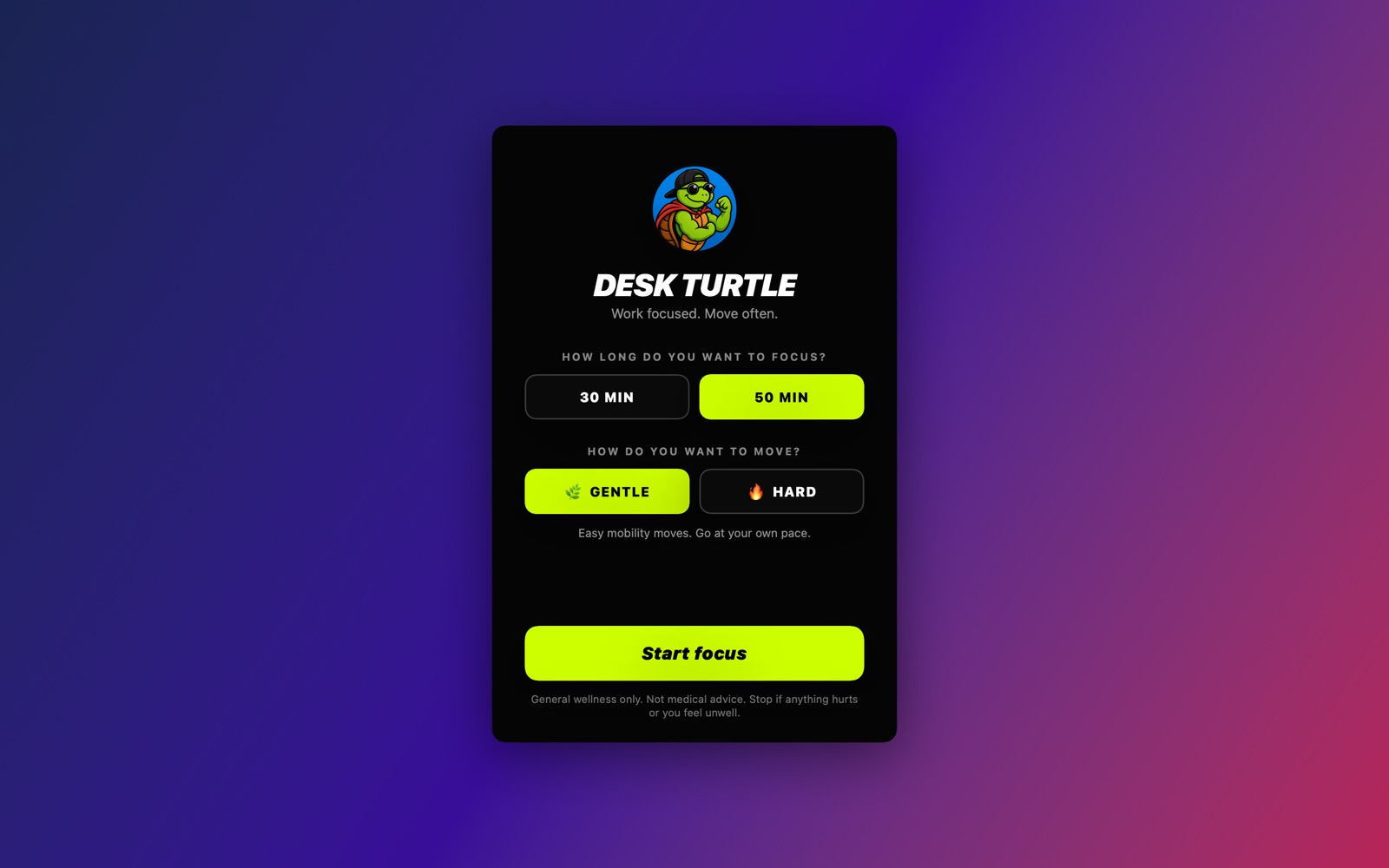
Pick 30 or 50 minutes and press start. A small timer floats above your other apps, never stealing your typing focus. Drag it anywhere.
Reset
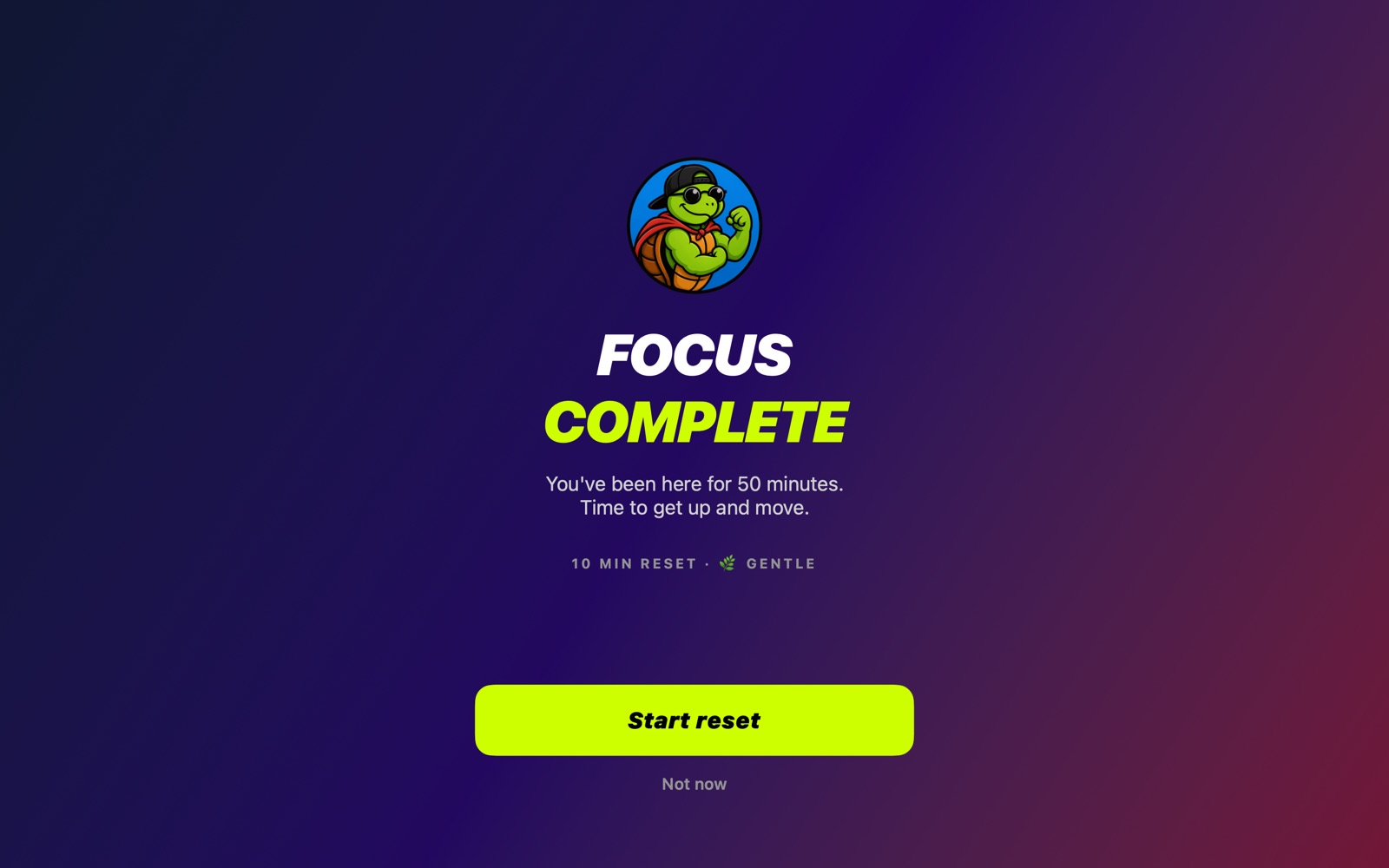
When time is up, a frosted-glass screen covers your work so you actually stand up. You can see it behind the glass, but can't read it.
Go again
Ten minutes later you're done. Choose your next round, with your Gentle or Hard preference remembered.
Built for long desk days
Floating timer
Small, rounded and always on top. It remembers where you put it, and hover for pause and end.
Exact timing
Timers run off the clock, not by counting ticks, so pause, resume and sleep never drift.
A coach you'll smile at
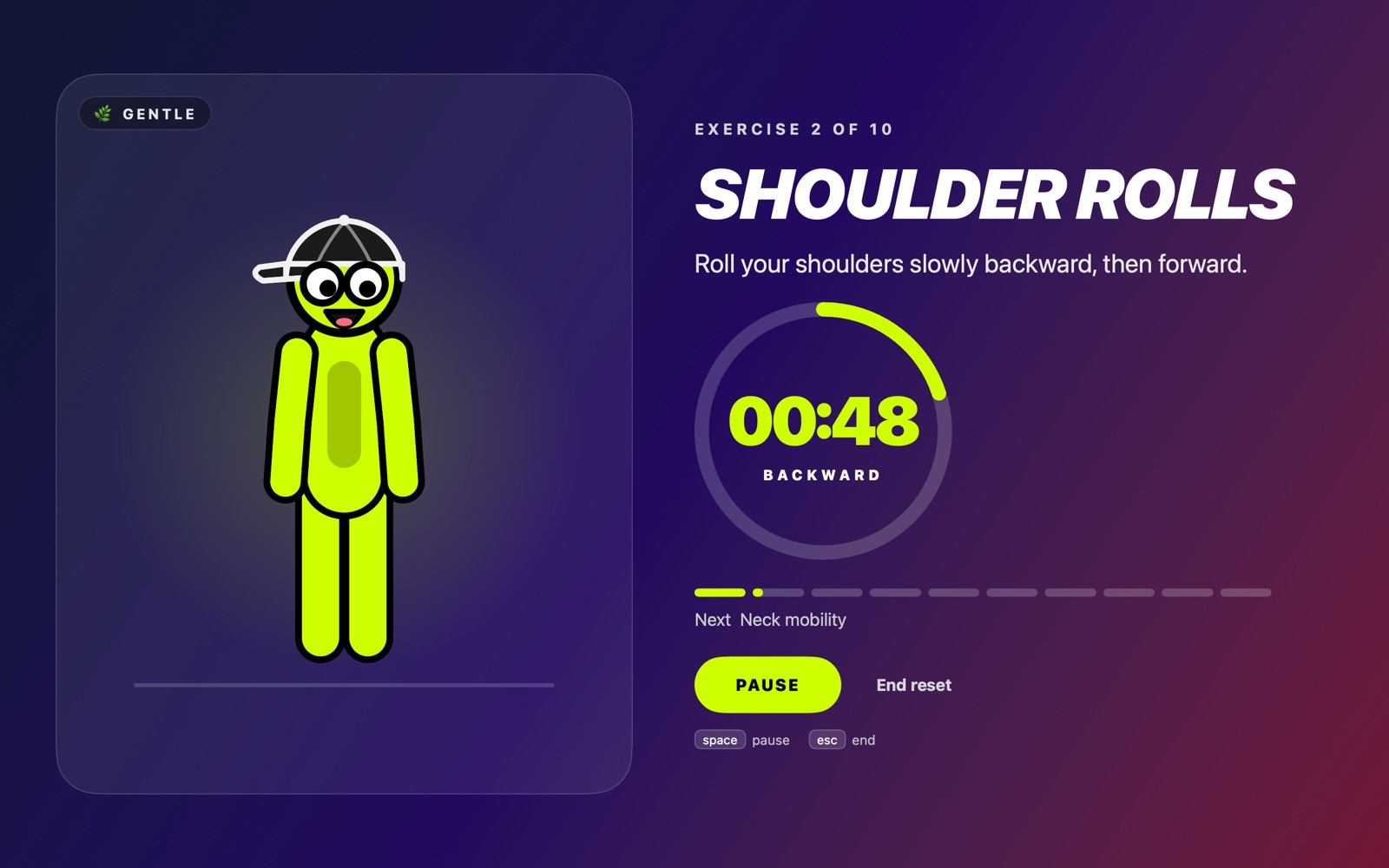
A goofy animated guide with wandering eyes shows each move, so you never have to read long instructions.
Gentle or Hard
Ten mobility moves for a calm reset, or a controlled circuit with an easier option for every exercise.
Private by design
The app has no account, no tracking and no network access. Everything stays on your Mac.
Made for everyone
Supports VoiceOver, Reduce Motion and Reduce Transparency, plus keyboard shortcuts: Space to pause, Esc to end.
See it in action
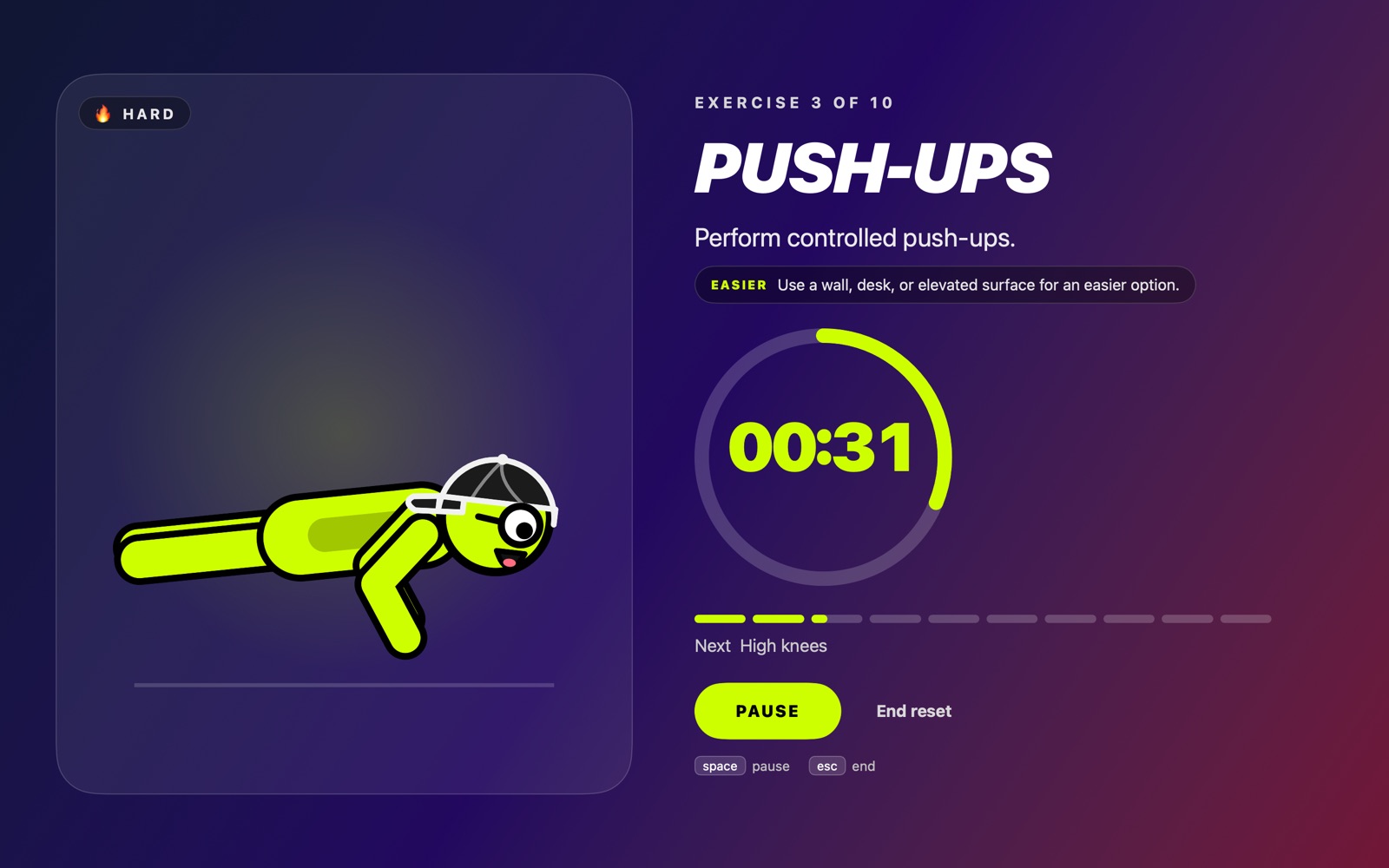
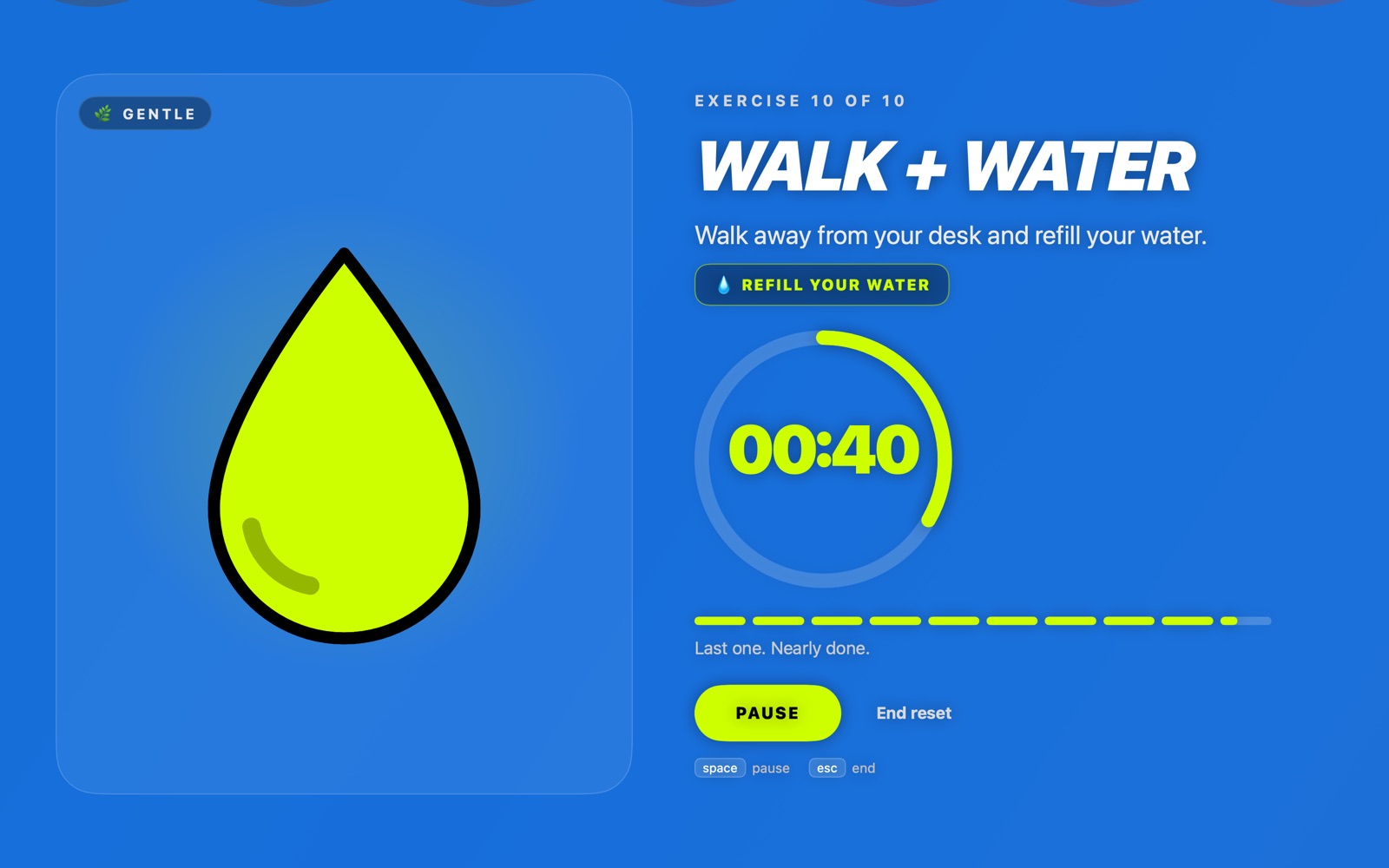
Gentle or Hard
Both resets are exactly ten minutes.
Gentle
- Get up + walk
- Shoulder rolls
- Neck mobility
- Chest opener
- Thoracic rotations
- Hip mobility
- Hamstring + calf mobility
- Air squats / sit-to-stands
- Full-body shakeout
- Walk + water
Hard
- Jumping jacks
- Air squats
- Push-ups
- High knees
- Reverse lunges
- Mountain climbers
- Glute bridges
- Plank
- Lateral steps + march
- Walk + water + cool down
Desk Turtle is for general wellness and is not medical advice. Move within your comfort range and check with a professional if you have a health concern.
Questions
Does it need an account or internet?
No. Desk Turtle works entirely on your Mac, offline, with no account.
Will it interrupt my typing?
The floating timer never takes keyboard focus. The full-screen reset only appears when your focus time ends, and you can always leave with "Not now" or "End reset" (Esc).
What if I have more than one display?
The reset appears on the display your mouse is on. The menu bar and Dock stay usable.
Can I pause or skip?
You can pause and resume at any moment. Ending a reset asks you to confirm so you don't lose your place by accident.
What do I need to run it?
A Mac running macOS 14 or later.
What data do you collect?
The app collects nothing. It only saves your last focus length, your Gentle or Hard choice and the timer's position, on your Mac. If you write to us through the contact form, your message is delivered by Formspree. See the privacy policy.