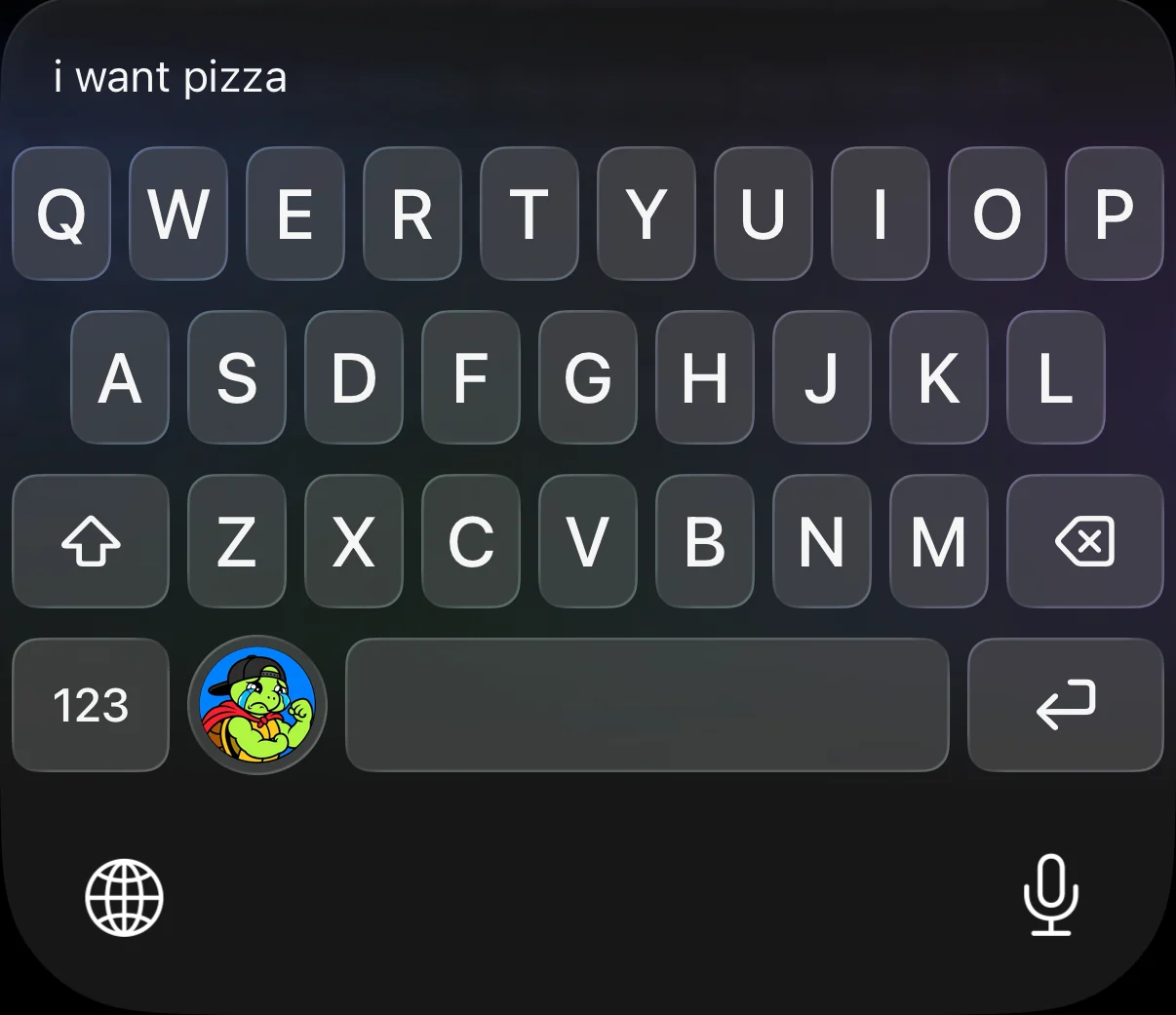
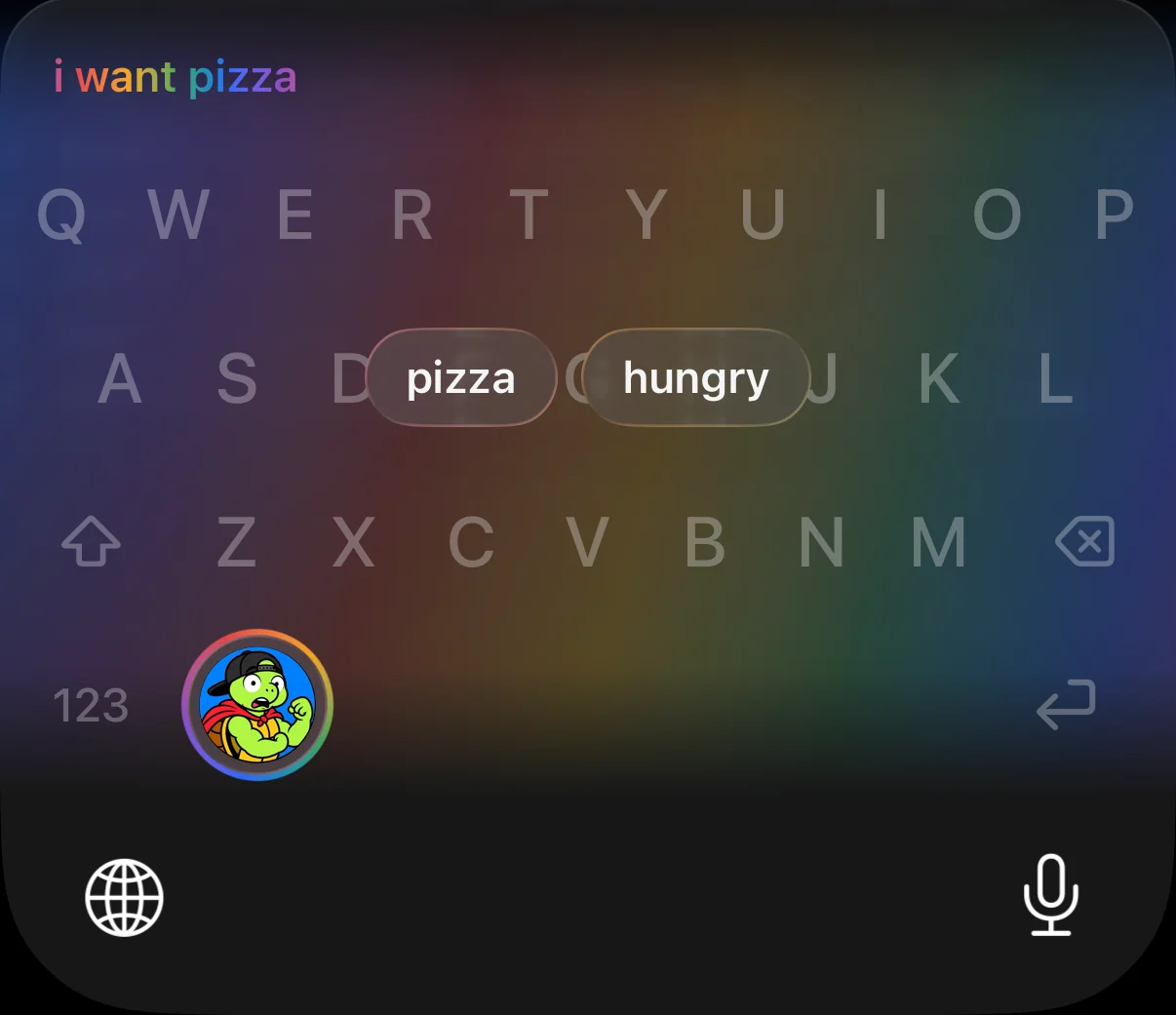
i want pizza
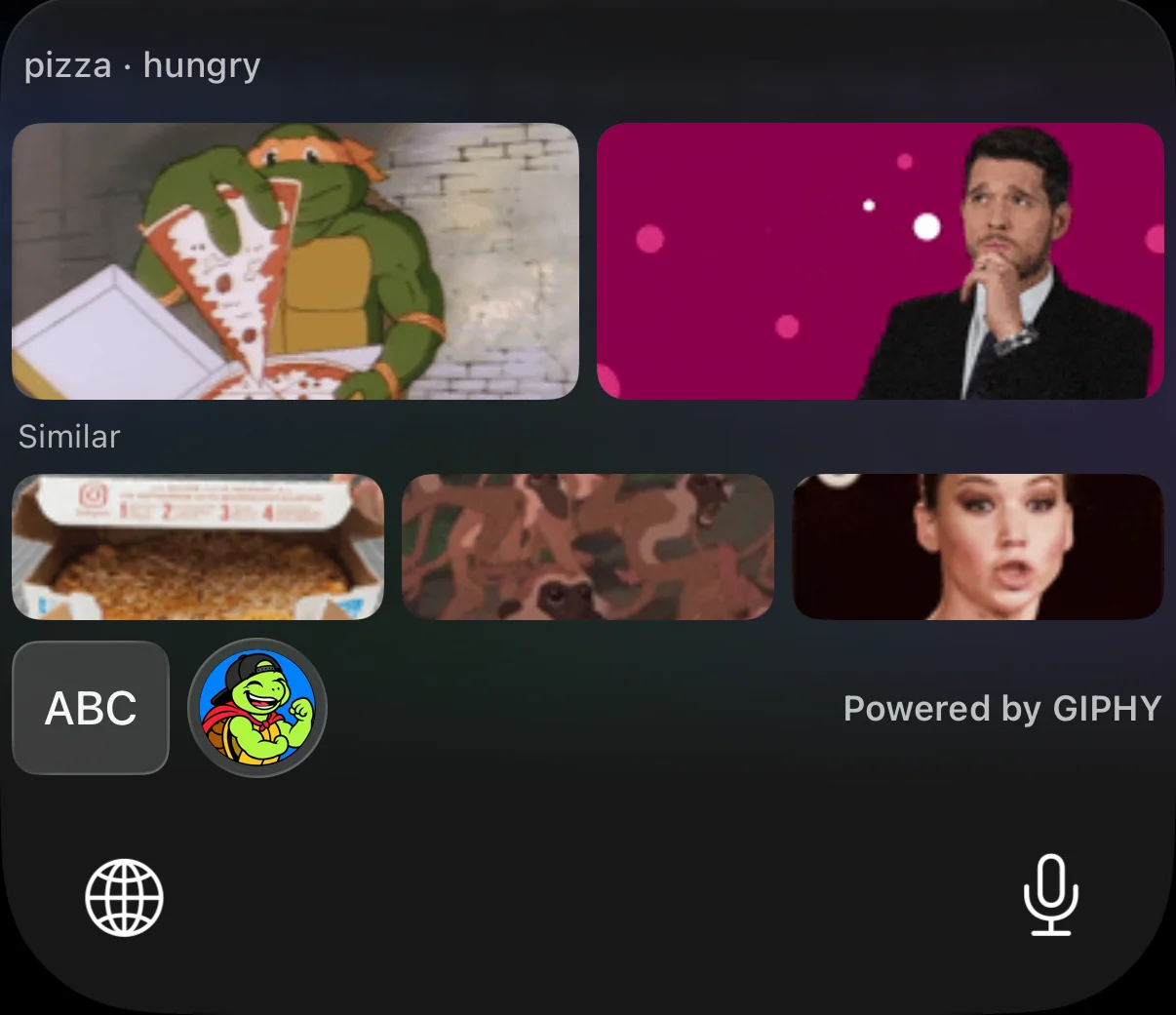
Searches for pizza · hungry
An iPhone keyboard that reads your message on your phone, finds the GIFs that match what you mean, and keeps everything you type to yourself.
How it works
No searching, no scrolling through a wall of results. You write what you would have typed anyway.
A full keyboard in black or white glass, matching your iPhone’s Dark and Light Mode.
Apple’s on-device model works out what you mean. A rainbow drifts behind the keys while it thinks.
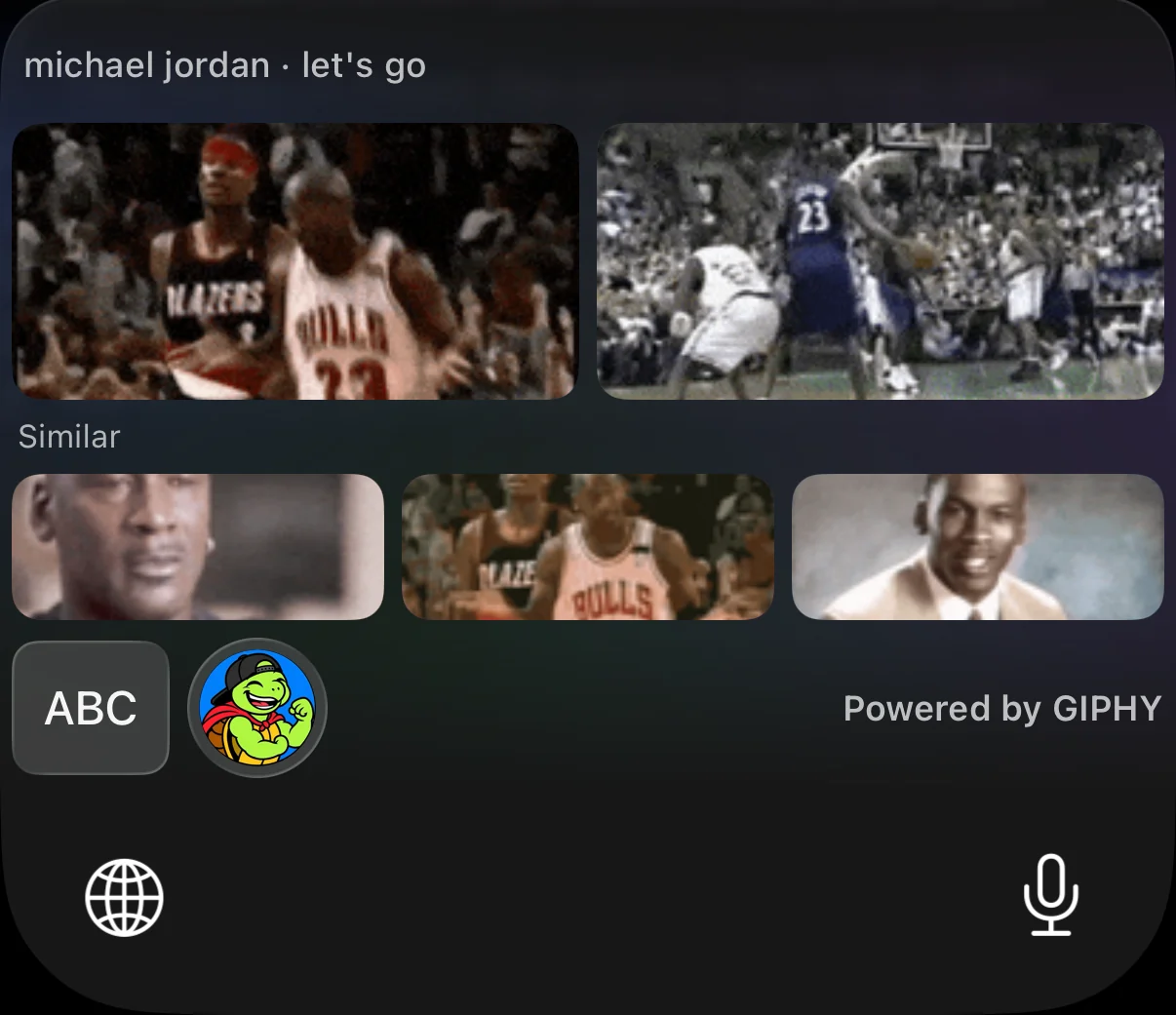
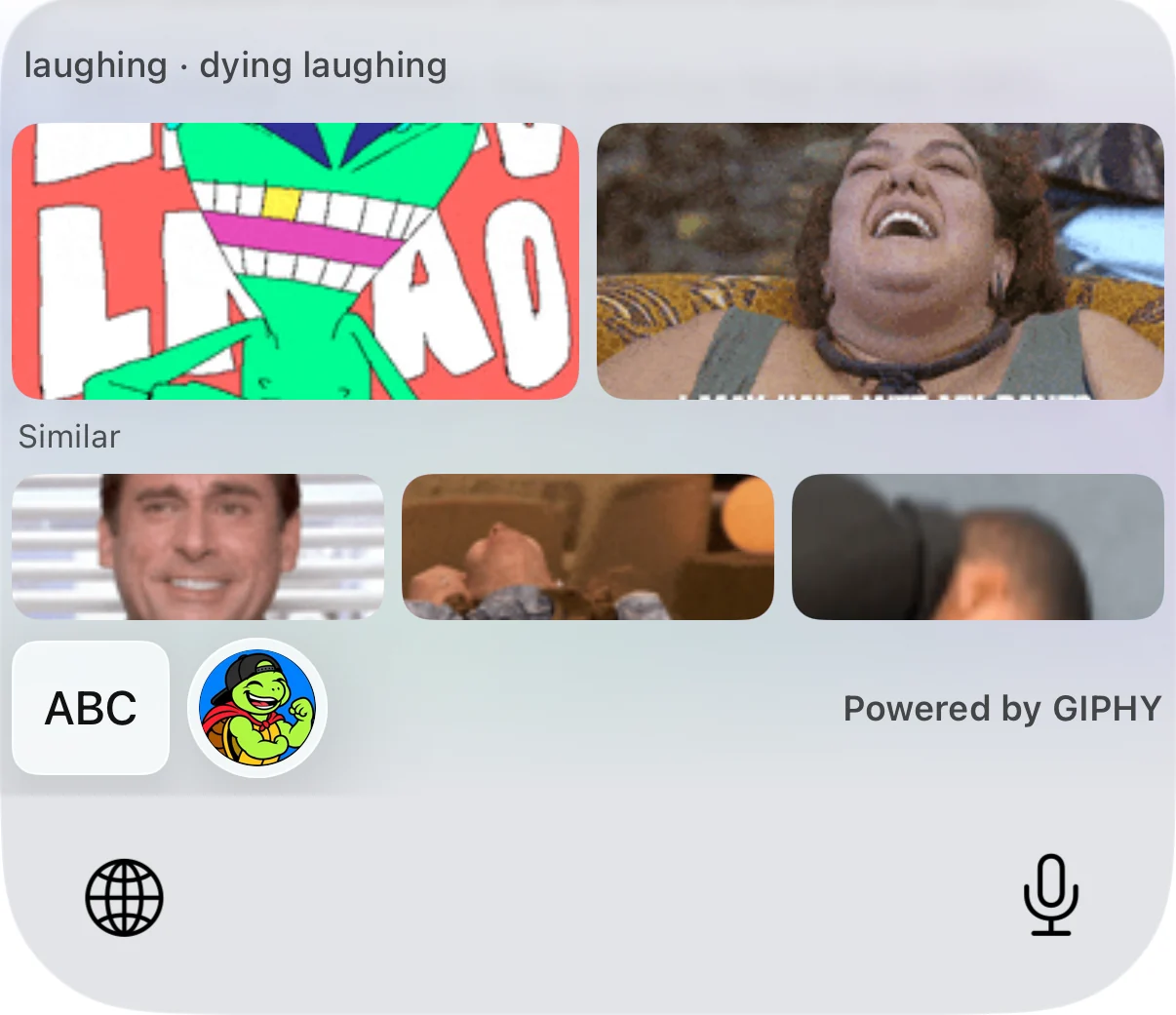
Two big matches and three similar ones. Tap the turtle again for five more, with no repeats.
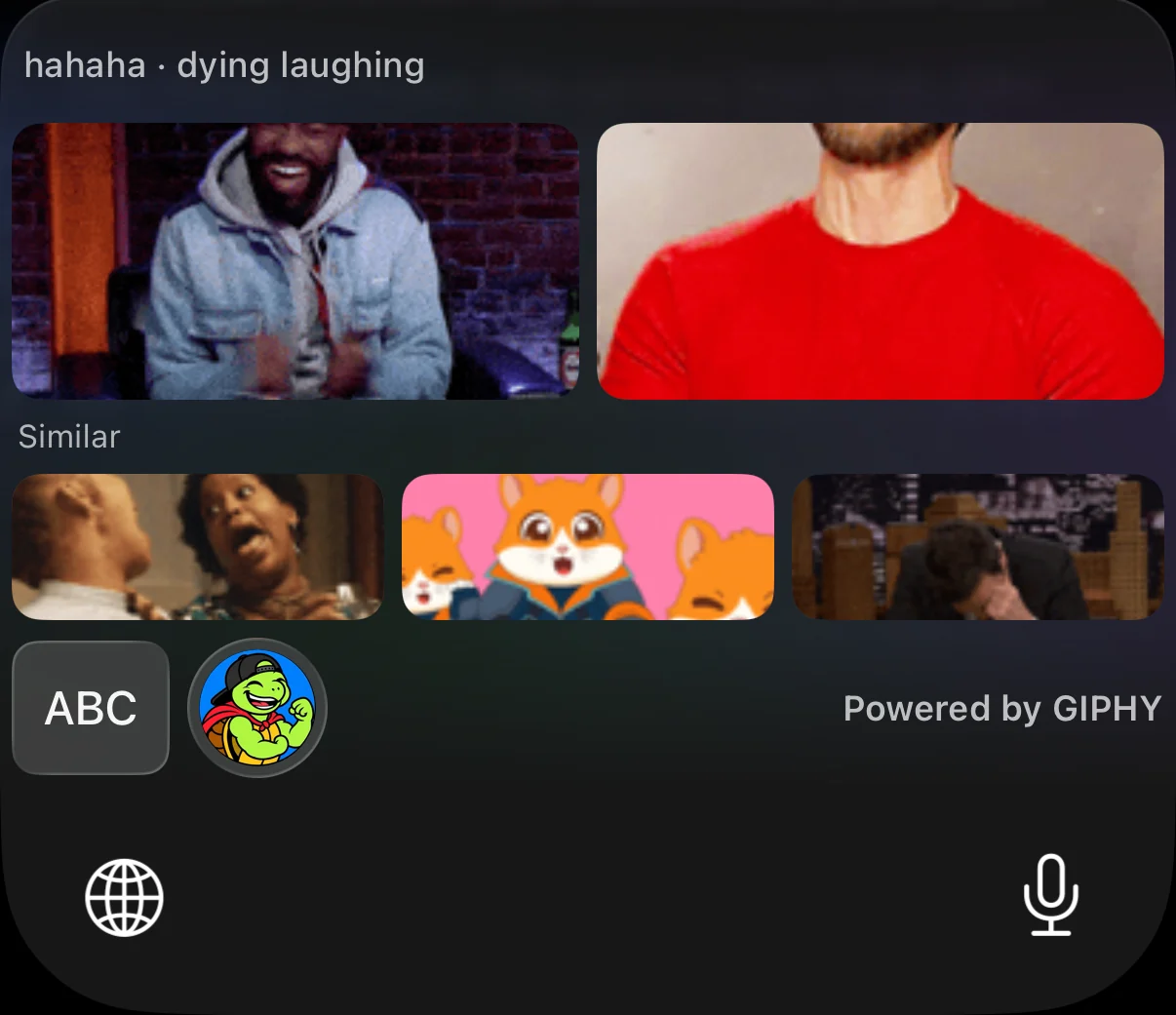
Tap a GIF to copy it, then paste it into Messages or any app that accepts GIFs.
It reads what you mean
Name a topic and you get that topic. Say how you feel and you get the reaction. Use an expression like “that blows my mind” and you get the face someone would make, not a picture of a brain.
Searches for pizza · hungry
Searches for dying laughing
Searches for michael jordan · let’s go
| You type | The keyboard searches for |
|---|---|
| that blows my mind | mind blown |
| I can’t believe he did that | are you kidding me · no way · mind blown |
| Just got the job offer!! | job offer · celebration · excited |
| ugh my flight got cancelled | airport · eye roll · so frustrated |
| I’m so tired | tired · yawning |
| happy birthday 🎂 | birthday · happy birthday |
| 😂😂😂 | laughing · dying laughing |
New in the beta · Beat Mode
Tap the little music note and every key becomes an instrument. Each tap plays a note and lights the key in the colour of the rainbow behind it. Press Enter and the keys lift, then slam down as the keyboard plays the song you just typed.
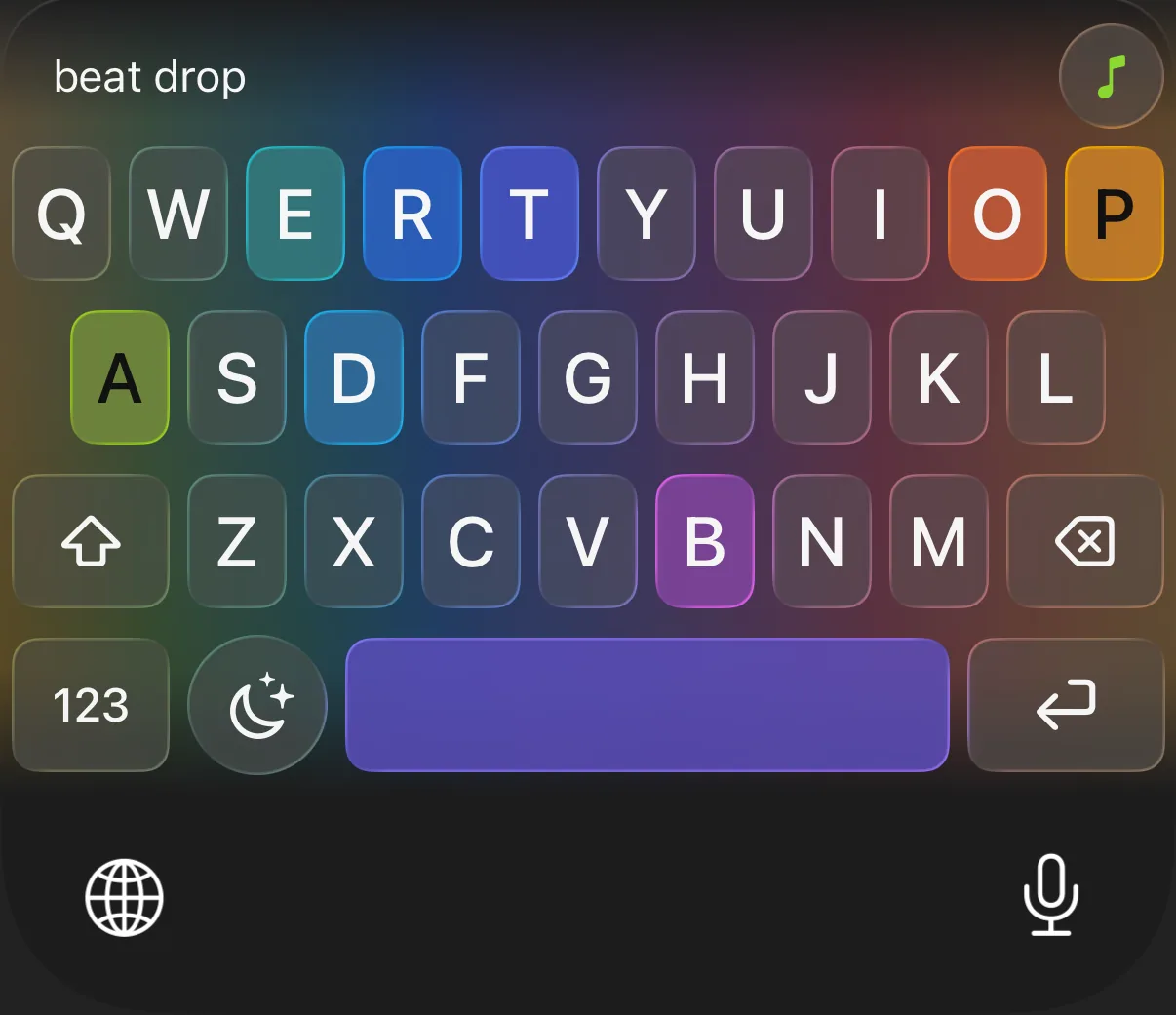
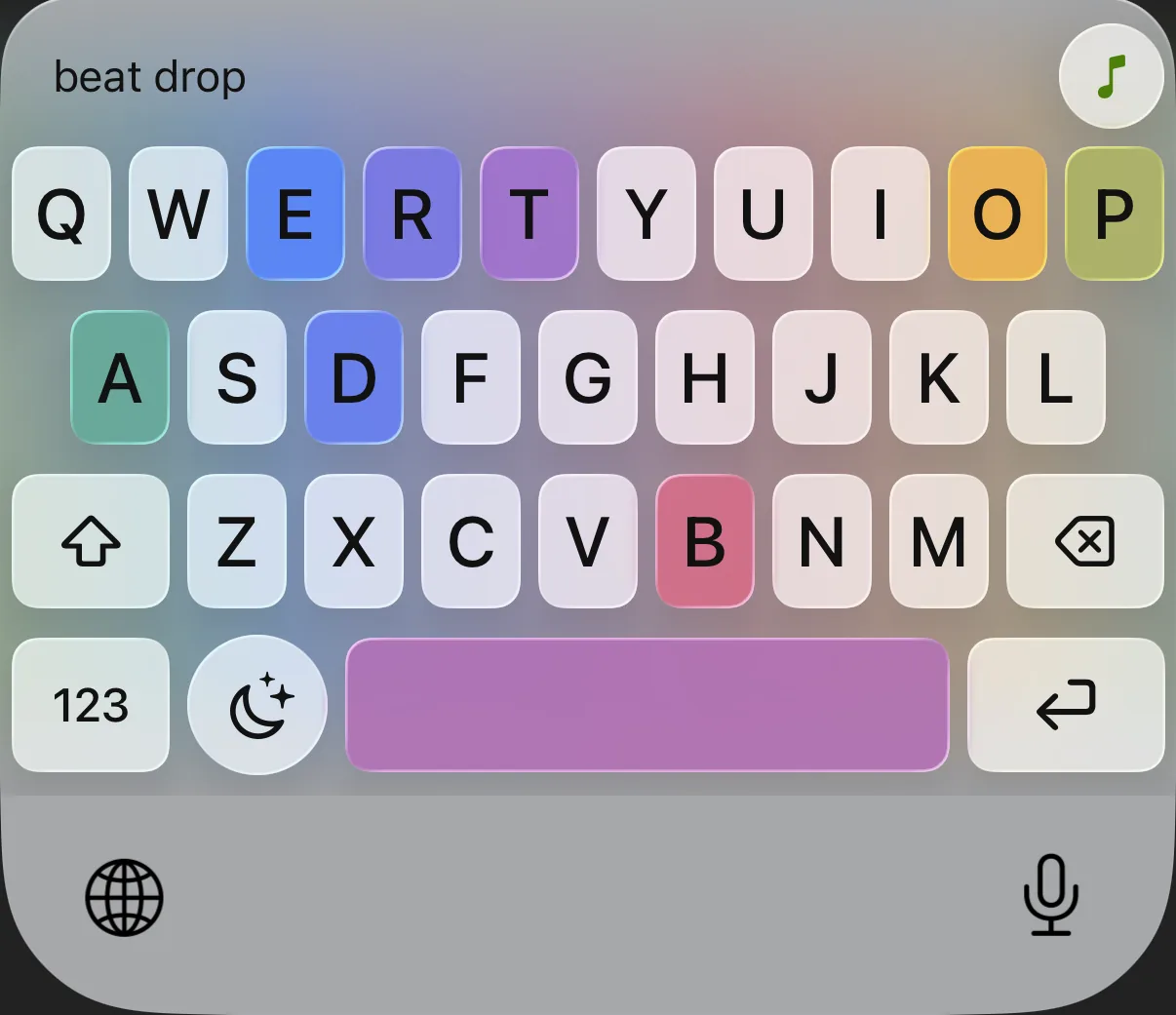
👆 Try it: tap or click the glowing keys to hear them. On an iPhone, turn off silent mode first.
Letters play notes on a scale that always sounds good, so you can’t hit a wrong one. The space bar is a clap, and numbers and symbols are drums.
A slow rainbow drifts behind the keys. Each key you tap takes the colour right behind it, then fades away at once.
All the keys lift, hang for a beat, then slam down as a short instrumental made from the notes you typed starts to play.
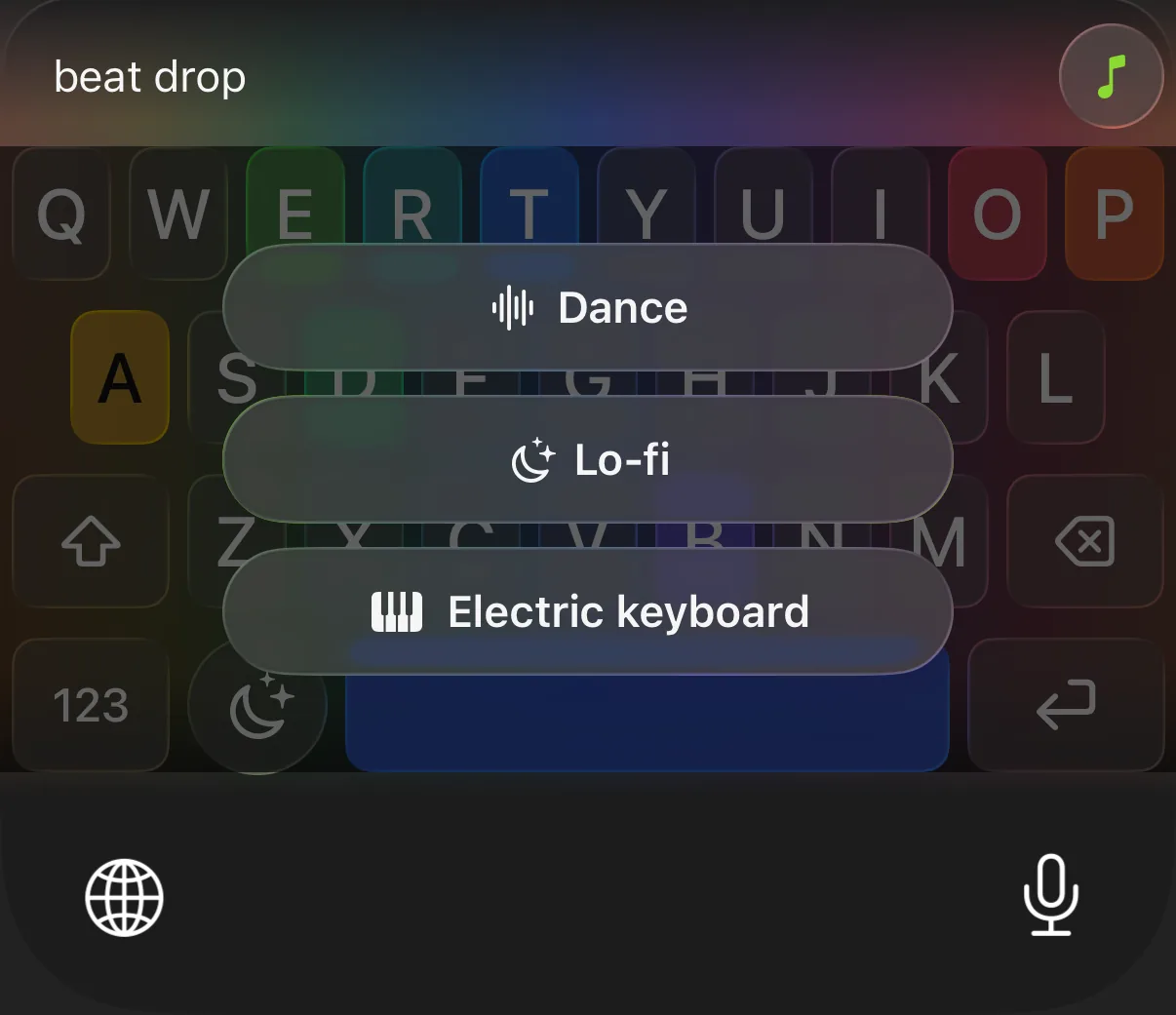
Tap the music-box key next to the space bar to choose. The key changes to show the sound you picked.
Beat Mode is off until you tap the music note. The sound is made on your iPhone and nothing is sent anywhere, and it never searches for GIFs. What it remembers to build your song, a short list of the last notes and keys, is wiped when you press Enter or close the keyboard.
Made for iOS 26
Built with Liquid Glass so it sits in your iPhone like it came with it. It follows your appearance setting, and switches to solid keys if you turn on Reduce Transparency.
Privacy by design
A keyboard sees everything you type, so this one was built around not keeping any of it. Here is the whole journey of a message.
Your text is held in memory only while the keyboard is open, then cleared. Nothing is written to storage, logged, or backed up.
GIFs are relayed through our service, so GIPHY only ever sees the keywords, never your phone or your address.
The model that understands your message is Apple’s, running on your device. No chatbot, no account.
iOS shows a general warning for every third-party keyboard that wants the internet. Turtle GIF needs Full Access for two things only: to reach the GIF relay, and to copy the GIF you choose so you can paste it. It does not use it to send what you type.
Good manners
Type something sad or serious and you get a hug, not a laugh track. Add “lol”, “jk” or a 😂 and it knows you’re joking.
Results are PG, and anything scary, gross or sexual is filtered out, in the search and in the results.
The on-device model scores the candidates against your message, so the closest fits come first.
Set up in a minute
Settings → General → Keyboard → Keyboards → Add New Keyboard → Turtle GIF.
Tap Turtle GIF in that list and turn on Allow Full Access, so it can fetch GIFs and copy one for you.
In any text field, tap the globe key until you see the turtle. Type, then tap the turtle.
Questions
No. Your text is read on your iPhone, held in memory only while the keyboard is open, and never stored or logged. Only two or three search words are sent to find GIFs.
An optional mode where every key plays a note and pressing Enter plays the song you just made. It runs on your iPhone, sends nothing, and never searches for GIFs. It remembers a short list of the last notes and keys to build your song, and wipes it when you press Enter or close the keyboard.
iPhones that support Apple Intelligence, running iOS 26. That is what lets it understand a message on the device. Without it, the keyboard falls back to a fixed list of reaction words and can’t search for topics like “pizza”.
You can type offline. Finding GIFs needs an internet connection, because the GIFs come from GIPHY.
GIPHY. They are relayed through our service, so GIPHY never sees your phone. You’ll see “Powered by GIPHY” wherever results appear.
Tap the turtle on the results page for five different GIFs, or change your message and tap the turtle again.
Turtle GIF Keyboard is in a private beta on Apple’s TestFlight. Tap Join the beta, scan the code with your iPhone camera or open the invite on your iPhone, and install it from TestFlight.